
Home › Models › BYD Atto 2 › Repair › Infotainment & Software
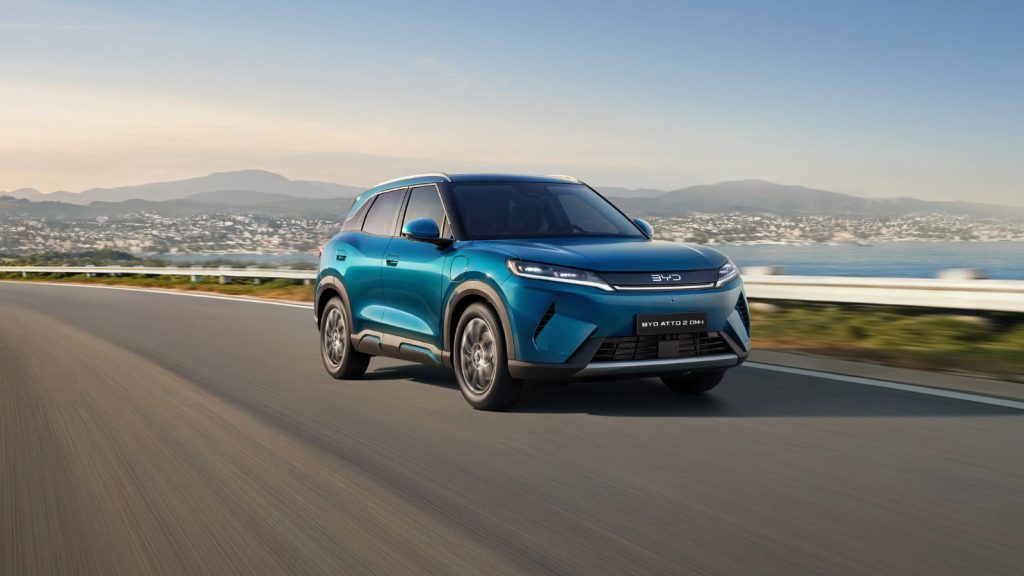
The BYD Atto 2 features advanced connectivity and an integrated digital experience. This page covers information regarding a BYD ATTO 2 software update, what to do if you need a BYD ATTO 2 touchscreen repair, and troubleshooting smartphone integration.
For hardware faults, confirm with an authorised BYD dealer / service centre. Do not attempt to open the dashboard modules yourself. BYD’s own procedure applies to replacing digital displays.
Contents
- BYD Atto 2 software update
- BYD Atto 2 touchscreen repair
- BYD ATTO 2 Android Auto not working
- BYD ATTO 2 Apple CarPlay not working
- Frequently asked questions
BYD Atto 2 software update
The vehicle is equipped to receive over-the-air (OTA) updates to improve system performance and add new features to the 12.8-inch rotatable touchscreen and the 8.8-inch digital instrument panel. A BYD ATTO 2 software update may resolve minor glitches with built-in apps such as Spotify, YouTube, Zoom, or Amazon Music. Read the dashboard message and check your owner’s manual for instructions on how to initiate or confirm a software installation.
BYD Atto 2 touchscreen repair
If the 12.8-inch rotatable display becomes unresponsive or the rotation mechanism fails, a physical BYD ATTO 2 touchscreen repair might be needed. Before contacting a professional, you can safely restart the system or perform a basic reboot as described in the owner’s manual. If the screen is cracked or completely blank despite a reboot, book a diagnostic with an authorised BYD dealer.
BYD ATTO 2 Android Auto not working
Both trims support wireless Android Auto. If you find BYD ATTO 2 Android Auto not working, perform safe user checks first. Ensure your smartphone’s Bluetooth and Wi-Fi are active, restart your phone, and check if your device’s operating system requires an update. You can also try deleting the pairing history on both the car and the phone and setting the connection up again.
BYD ATTO 2 Apple CarPlay not working
The vehicle supports wireless Apple CarPlay. If you experience BYD ATTO 2 Apple CarPlay not working, begin with basic troubleshooting. Restart your iPhone and ensure no restrictions are set on your device. Re-pairing the connection through the infotainment menu can clear temporary errors. For persistent issues, check the owner’s manual or contact a dealer.
Frequently asked questions
Can I fix a broken screen myself?
No. A BYD ATTO 2 touchscreen repair involves dismantling dashboard components and handling internal wiring. This is dealer-only work.
How do I install a BYD ATTO 2 software update?
The system will prompt you when an OTA update is available. Check your owner’s manual for the exact menu navigation to start the download and installation.
Does the karaoke feature require an update?
The Stingray karaoke app is built-in and may receive improvements through a general software update. The optional microphone is a separate accessory.
What should I do if my phone won’t connect?
Restart your phone, check your device settings, and verify the pairing process in the owner’s manual before assuming a fault with the car.
See also
Sources
- BYD UK model information: https://www.byd.com/uk
- BYD UK media site: https://bydukmedia.com
- Owner’s manual for your model – ask your BYD dealer