
Home › Models › BYD Seal U DM-i › Repair › Infotainment & Software
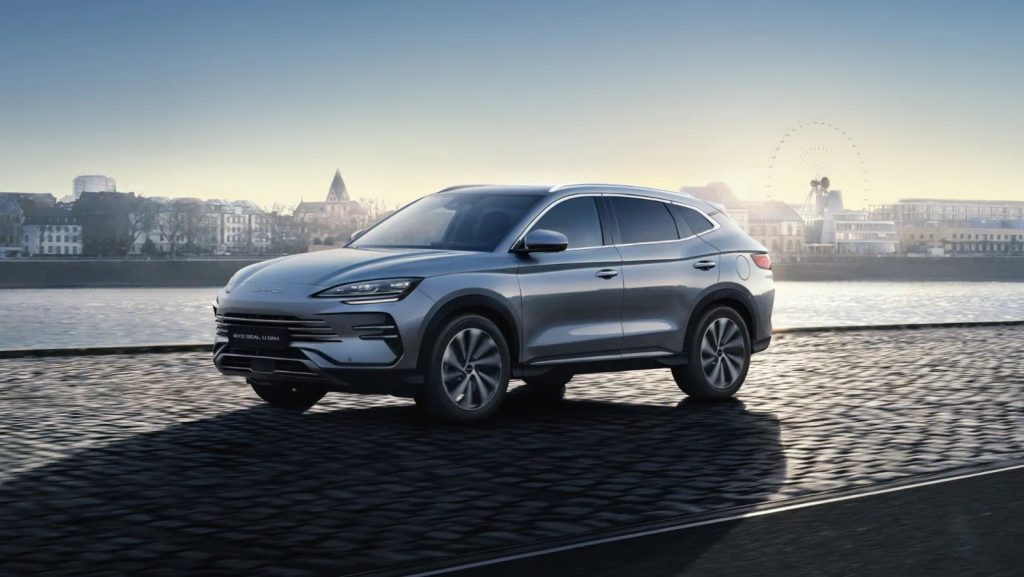
The New BYD Seal U DM-i is equipped with a 15.6-inch rotatable touchscreen, a 12.3-inch digital instrument panel, a head-up display, and an Infinity 10-speaker audio system. It also supports 4G connectivity, the BYD app, and voice commands via “Hi BYD”. This page provides guidance on resolving digital issues, including touchscreen faults and connectivity errors. Check your owner’s manual for operating instructions. Confirm with an authorised BYD dealer / service centre if a hardware fault occurs. BYD’s own procedure applies to replacing digital components, which must be performed at a qualified workshop. High-voltage components must not be opened by owners.
Contents
- New BYD Seal U DM-i touchscreen repair
- New BYD Seal U DM-i software update
- New BYD Seal U DM-i Android Auto not working
- New BYD Seal U DM-i Apple CarPlay not working
- Frequently asked questions
New BYD Seal U DM-i touchscreen repair
The 15.6-inch rotatable touchscreen controls the climate, navigation, and media. If the screen becomes unresponsive, frozen, or physically damaged, a New BYD Seal U DM-i touchscreen repair may be necessary. Owners can attempt to safely reboot the system by turning the vehicle off and following the restart sequence described in the documentation. Read the dashboard message to see if any system errors are reported. If the screen mechanism fails to rotate or the glass is cracked, the unit must be replaced by a qualified workshop.
New BYD Seal U DM-i software update
The vehicle relies on software to manage the Super Hybrid DM-i powertrain and the infotainment features. Applying a New BYD Seal U DM-i software update ensures the systems run correctly. The update process might be delivered over the air via the 4G connection or installed manually. Check your owner’s manual to find the software menu on the touchscreen. If an update fails to install or causes system instability, contact an authorised BYD dealer for assistance.
New BYD Seal U DM-i Android Auto not working
The vehicle supports smartphone integration. If you experience the New BYD Seal U DM-i Android Auto not working, start with generic user-level checks. Inspect the USB cable connecting the phone to the USB 18 W or 60 W Type-C front ports, as a faulty cable is a primary cause of connection drops. Restart your phone and ensure its operating system is updated. Check the vehicle’s touchscreen menus to confirm the Android Auto projection is enabled.
New BYD Seal U DM-i Apple CarPlay not working
Similarly, if you find the New BYD Seal U DM-i Apple CarPlay not working, inspect the physical connection and restart your Apple device. Try using a different USB port or a different certified cable. The vehicle supports Apple CarPlay as standard across the Boost, Comfort, and Design AWD trims. If the connection fails repeatedly after checking the phone and cable, confirm with an authorised BYD dealer / service centre to see if a system reset is required.
Frequently asked questions
How do I fix a frozen screen without a New BYD Seal U DM-i touchscreen repair?
Check your owner’s manual for the safe restart procedure. If restarting the vehicle does not clear the frozen screen, contact an authorised BYD dealer.
How is a New BYD Seal U DM-i software update delivered?
The documentation states the vehicle has a 4G connection. Software updates are managed through the system menus. BYD’s own procedure applies to the installation process.
Why is the New BYD Seal U DM-i Apple CarPlay not working with a wireless connection?
Check the owner’s manual to determine the exact connection requirements and supported protocols for Apple CarPlay. Ensure your phone software is up to date.
Can a qualified workshop replace the Infinity 10-speaker audio system?
Yes, any physical repair to the audio system or the infotainment screens must be handled by a qualified workshop to prevent electrical damage.
See also
Sources
- BYD UK model information: https://www.byd.com/uk
- BYD UK media site: https://bydukmedia.com
- Owner’s manual for your model – ask your BYD dealer