
Home › Models › BYD Sealion 7 › Repair › Infotainment & Software
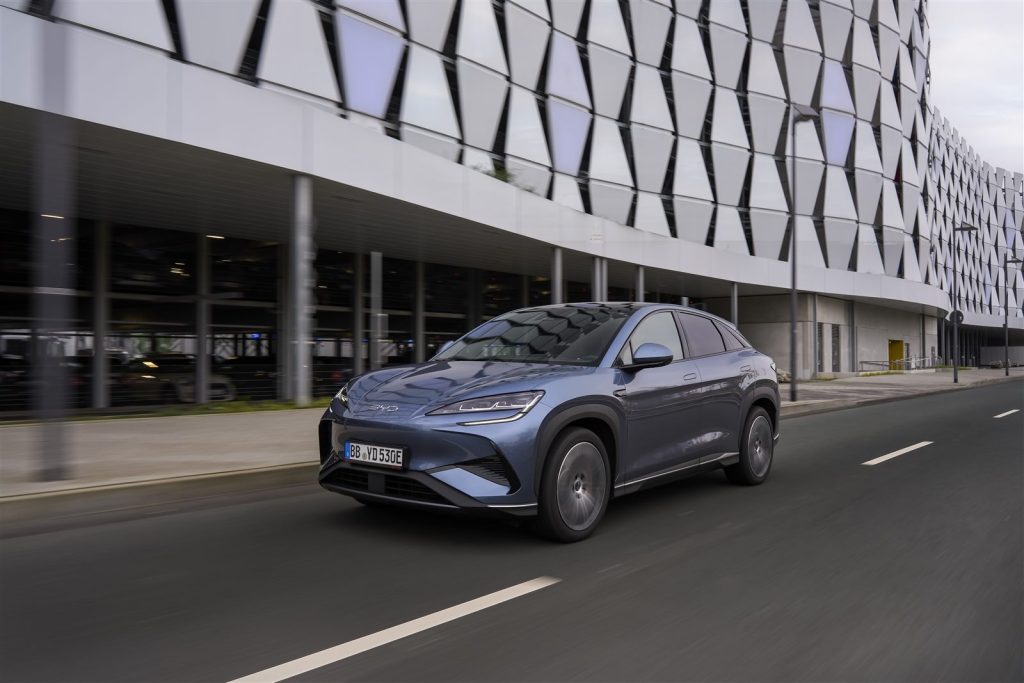
This page covers the 15.6-inch rotatable touchscreen and related technology in the BYD Sealion 7. Check your owner’s manual for setup instructions. Confirm with an authorised BYD dealer / service centre if the system malfunctions. BYD’s own procedure applies to replacing hardware components.
Contents
- BYD Sealion 7 touchscreen repair
- BYD Sealion 7 software update
- BYD Sealion 7 Android Auto not working
- BYD Sealion 7 Apple CarPlay not working
- Safety Precautions
- Frequently asked questions
- See also
- Sources
BYD Sealion 7 touchscreen repair
The display controls media, navigation, and vehicle settings. A BYD Sealion 7 touchscreen repair is necessary if the screen cracks or becomes unresponsive. Physical replacement is dealer-only work. Owners can safely check for software menus to reboot the system. Book a diagnostic if the screen remains unresponsive.
BYD Sealion 7 software update
A BYD Sealion 7 software update can provide system improvements. Check your owner’s manual to understand how the system manages updates. If an update fails or causes an error, contact a dealer.
BYD Sealion 7 Android Auto not working
The vehicle supports Android Auto. If you find BYD Sealion 7 Android Auto not working, check the cable connecting your smartphone. Restart your phone and ensure your device’s software is up to date. If the connection still fails, read the dashboard message and the owner’s manual.
BYD Sealion 7 Apple CarPlay not working
The vehicle supports Apple CarPlay. If you experience BYD Sealion 7 Apple CarPlay not working, inspect the USB cable and the port. Restart your phone. Check your phone settings to ensure the feature is enabled. Contact a dealer if the system cannot establish a connection.
Safety Precautions
High-voltage components must not be opened by owners. BYD’s own procedure applies to all maintenance tasks. Book a diagnostic with an authorised BYD dealer.
Frequently asked questions
What size is the central display?
The vehicle features a 15.6-inch rotatable touchscreen.
Can I replace a broken touchscreen myself?
No. Screen replacement requires dismantling dashboard components and must be done by an authorised workshop.
How do I connect my phone for navigation?
The system supports Apple CarPlay and Android Auto. Check your owner’s manual for connection steps.
What should I do if the screen freezes?
Check your owner’s manual for the system reboot procedure.
Is voice control available?
Yes, the vehicle is equipped with “Hi BYD” four-zone voice control.
See also
Sources
- BYD UK model information: https://www.byd.com/uk
- BYD UK media site: https://bydukmedia.com