
Home › Models › BYD Dolphin › Repair › Battery & Charging
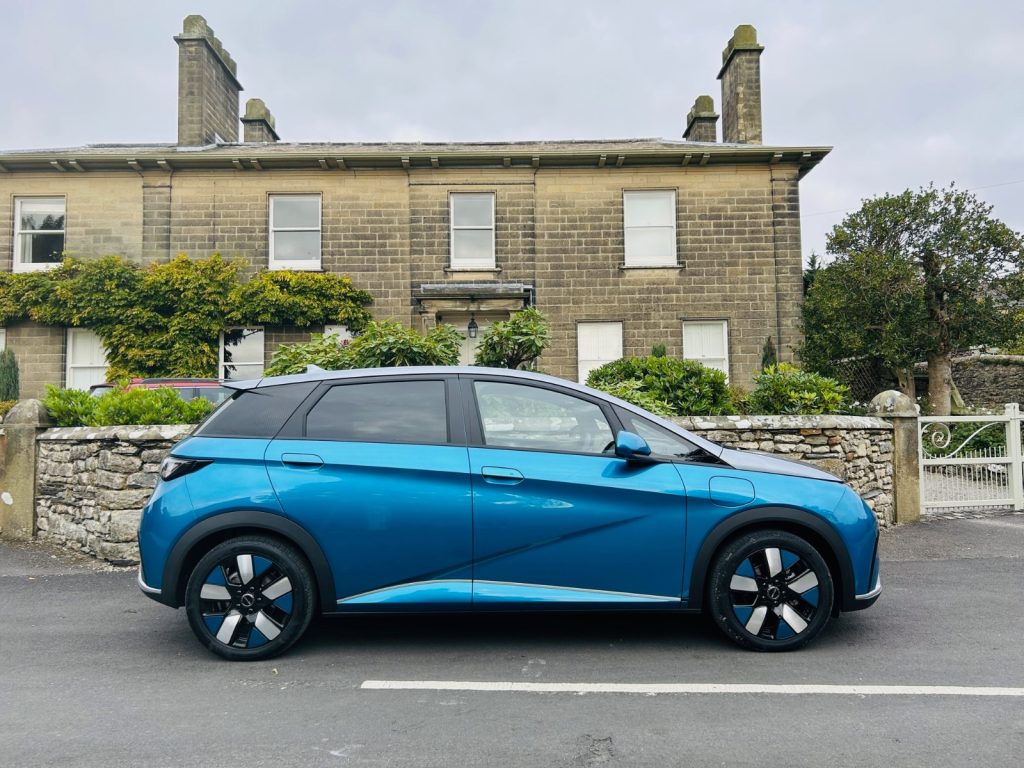
This model is fully electric and relies entirely on a high-voltage traction battery known as the Blade Battery, using lithium iron phosphate chemistry. Maintaining this system is crucial for the vehicle’s operation. This page covers reference information regarding BYD DOLPHIN battery repair and charging systems.
All work on the electric drivetrain is strictly dealer-only. High-voltage components must not be opened by owners, as doing so is highly dangerous and can void your warranty. Check your owner’s manual for daily charging instructions and safety guidelines.
Contents
- BYD DOLPHIN battery repair
- BYD DOLPHIN charging port repair
- Warning signs and owner checks
- Booking a diagnostic
- Frequently asked questions
- See also
- Sources
BYD DOLPHIN battery repair
The traction battery provides power to the electric motor. If the vehicle displays an error message on the instrument panel or if the range drops unexpectedly, it may require a diagnostic check. A BYD DOLPHIN battery repair is a specialist task.
Owners must not attempt to inspect the orange high-voltage cables or the battery enclosure. Confirm with an authorised BYD dealer to have the system tested using approved diagnostic equipment. BYD’s own procedure applies to all battery testing and module replacements.
BYD DOLPHIN charging port repair
The vehicle is equipped with a CCS2 charging port for both AC and DC charging, as well as V2L capability. If the car refuses to charge or the connector will not detach, a BYD DOLPHIN charging port repair might be necessary.
First, ensure that the charging station itself is functioning correctly. If the issue persists, do not force the cable or attempt to dismantle the port mechanism. The charging hardware involves high voltage and complex locking pins. Confirm with an authorised BYD service centre for a professional inspection.
Warning signs and owner checks
Owners should be observant of how the car behaves. Warning signs include warning lights on the dashboard, failure to initiate a charging session, or a physical blockage in the CCS2 port.
What owners can safely check:
- Ensure the charging cable is not visibly damaged.
- Read any warning messages on the rotatable touchscreen.
- Check your owner’s manual for the manual release procedure for the charging cable.
All other tasks are dealer-only work.
Booking a diagnostic
If you suspect a fault, contact your dealership immediately. Warranty implications apply if unauthorised modifications or repairs are made to the electrical system. Confirm with an authorised BYD dealer to book a diagnostic appointment.
| System | Component | Action |
|---|---|---|
| Power storage | Blade Battery | Dealer diagnostic |
| Charging connection | CCS2 port | Dealer diagnostic |
| Power export | V2L function | Dealer diagnostic |
Frequently asked questions
Can I do a BYD Dolphin battery repair myself?
No. High-voltage components must not be opened by owners. Confirm with an authorised BYD dealer for all repairs.
What kind of charging port does it have?
The vehicle features a CCS2 charging port, which supports AC and DC charging.
Does the car have a petrol engine?
No, this model is fully electric and operates purely on battery power.
What should I do if the charging cable is stuck?
Do not pull it forcefully. Check your owner’s manual for the safe manual release method.
Is the battery covered by warranty?
Confirm with an authorised BYD dealer for the exact terms of the warranty coverage on the Blade Battery.
See also
Sources
- BYD UK model information: https://www.byd.com/uk
- BYD UK media site: https://bydukmedia.com
- Owner’s manual for your model – ask your BYD dealer